How GlancePath works
Every day follows the same simple loop: check in each morning, act with intention through the day, and let go each night. Your Vision stays visible the whole time, quietly keeping your day connected to what matters most.
There's no required sequence and no daily streak to protect. Use what you need, when you need it — even the person who built GlancePath doesn't use every part of it every day.
Vision — Where it all starts
Vision holds your Ultimate Vision and Milestones — the things you'll rarely edit, but always want nearby. Everything else in GlancePath aligns with what's written here.
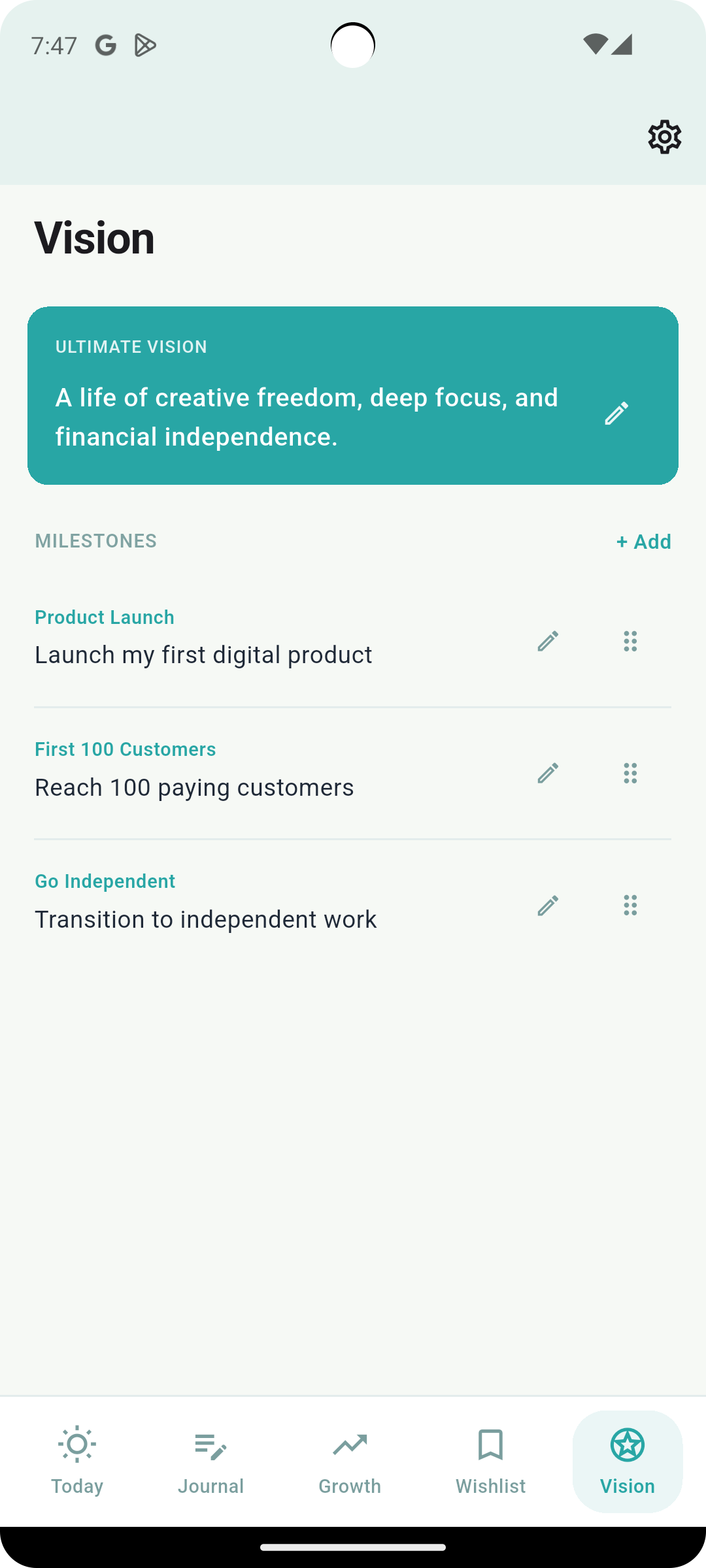
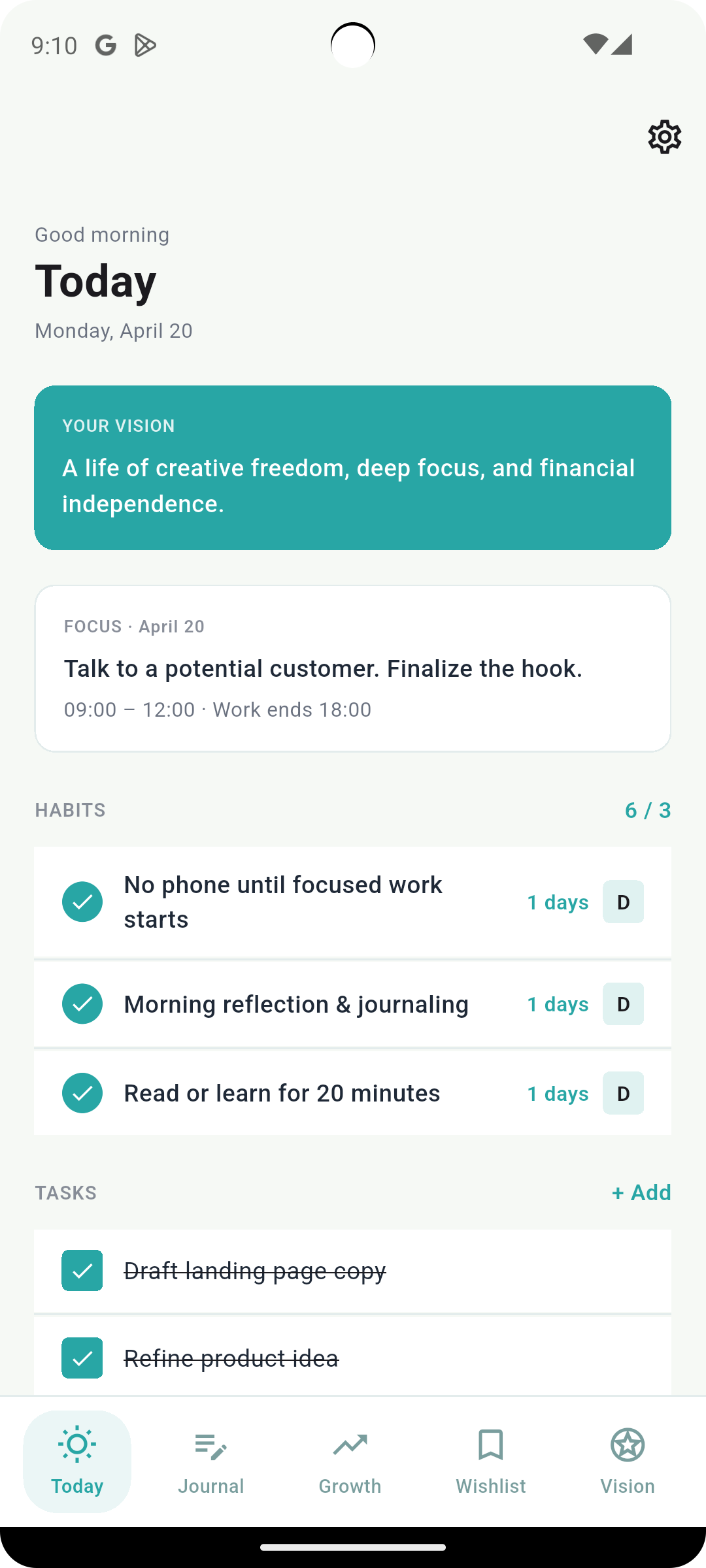
Today — Where your day begins
Your Vision sits at the top as a quiet reminder, followed by today's focus, your active habits, and your task list. One glance tells you what matters right now.
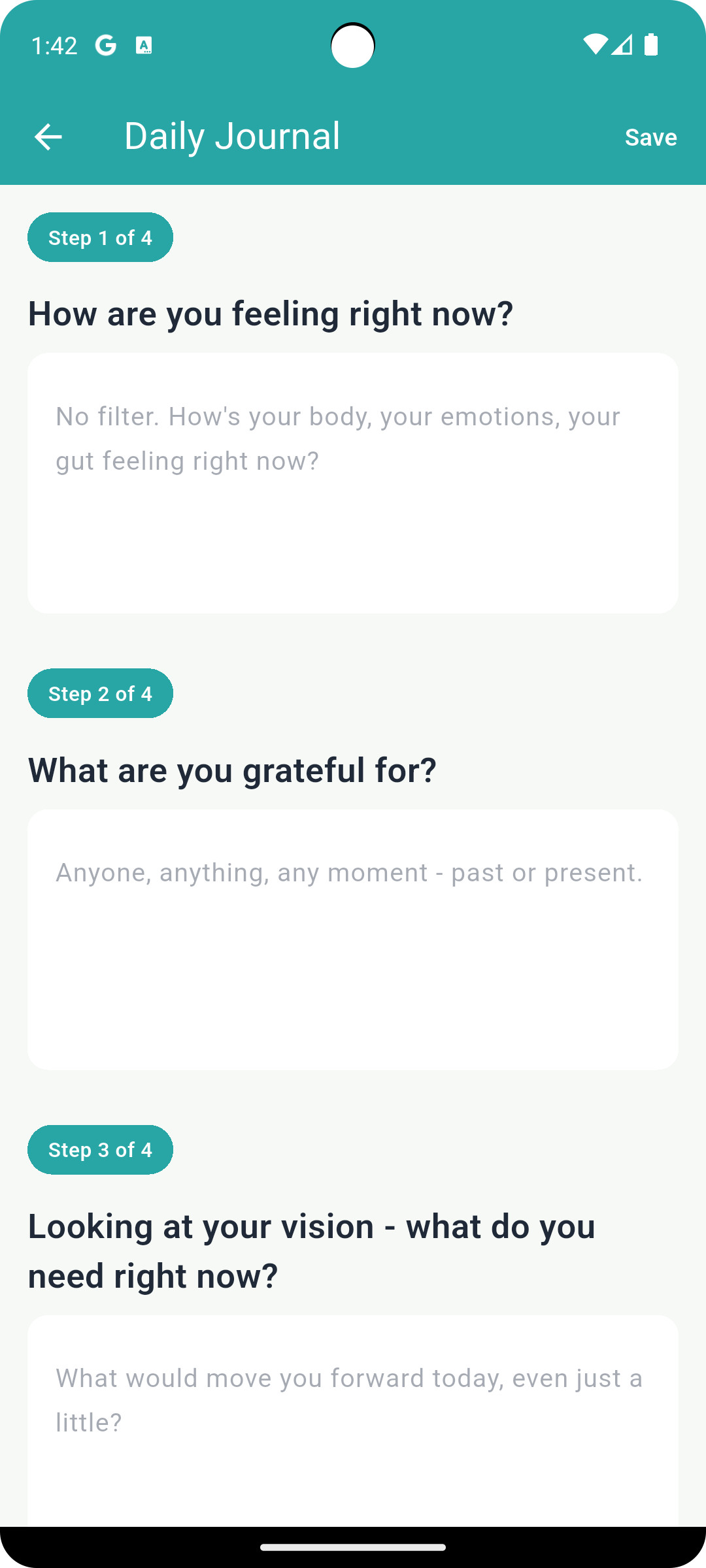
Journal — Where you clear your mind and reflect
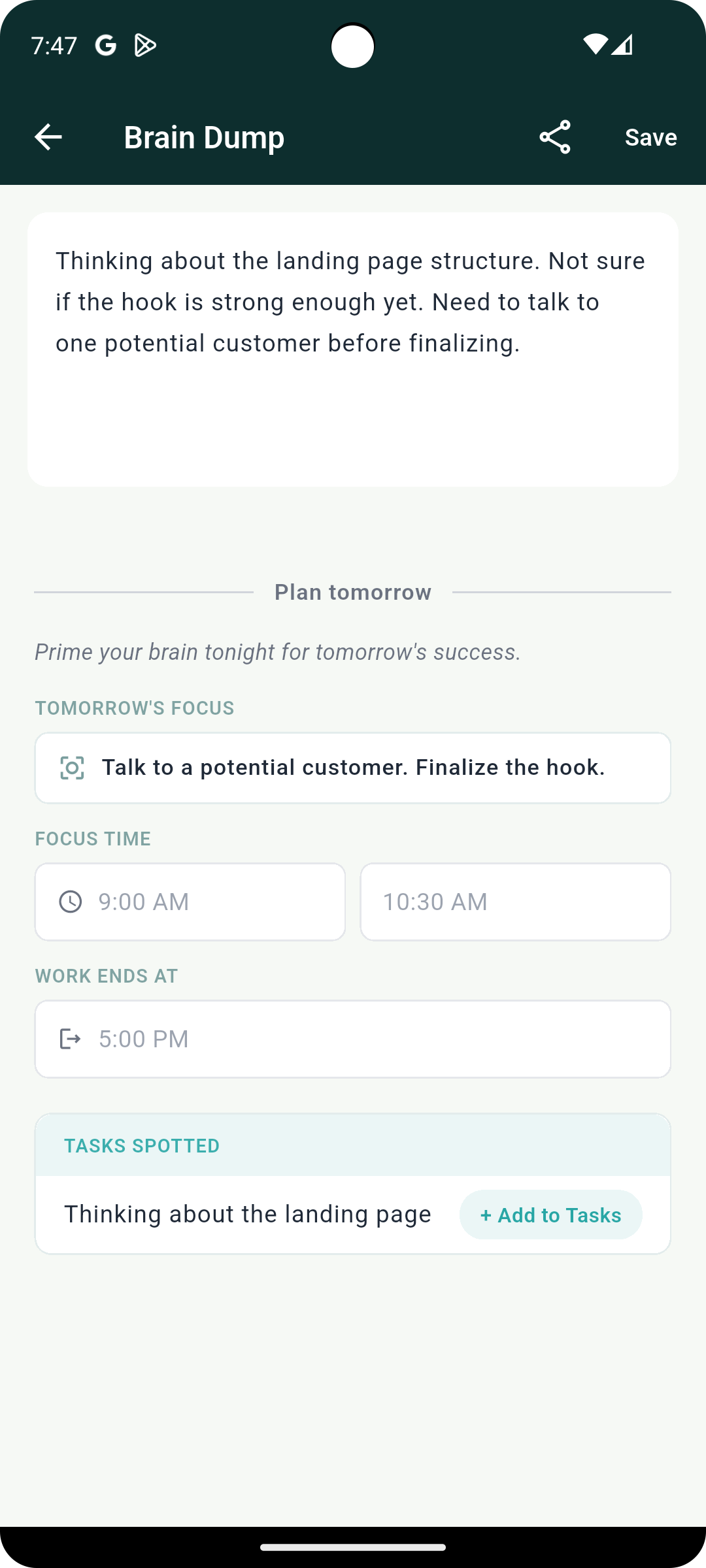
A 4-step Journaling flow helps you organize your thoughts in the morning. At night, Brain Dump lets you clear your head and set tomorrow's focus in a single line before you close your eyes.
Beyond these two daily entries, Journal also holds your Weekly, Monthly, and Yearly reviews, plus Lookback, which grows more valuable the longer you use GlancePath.
Growth — Where small steps grow
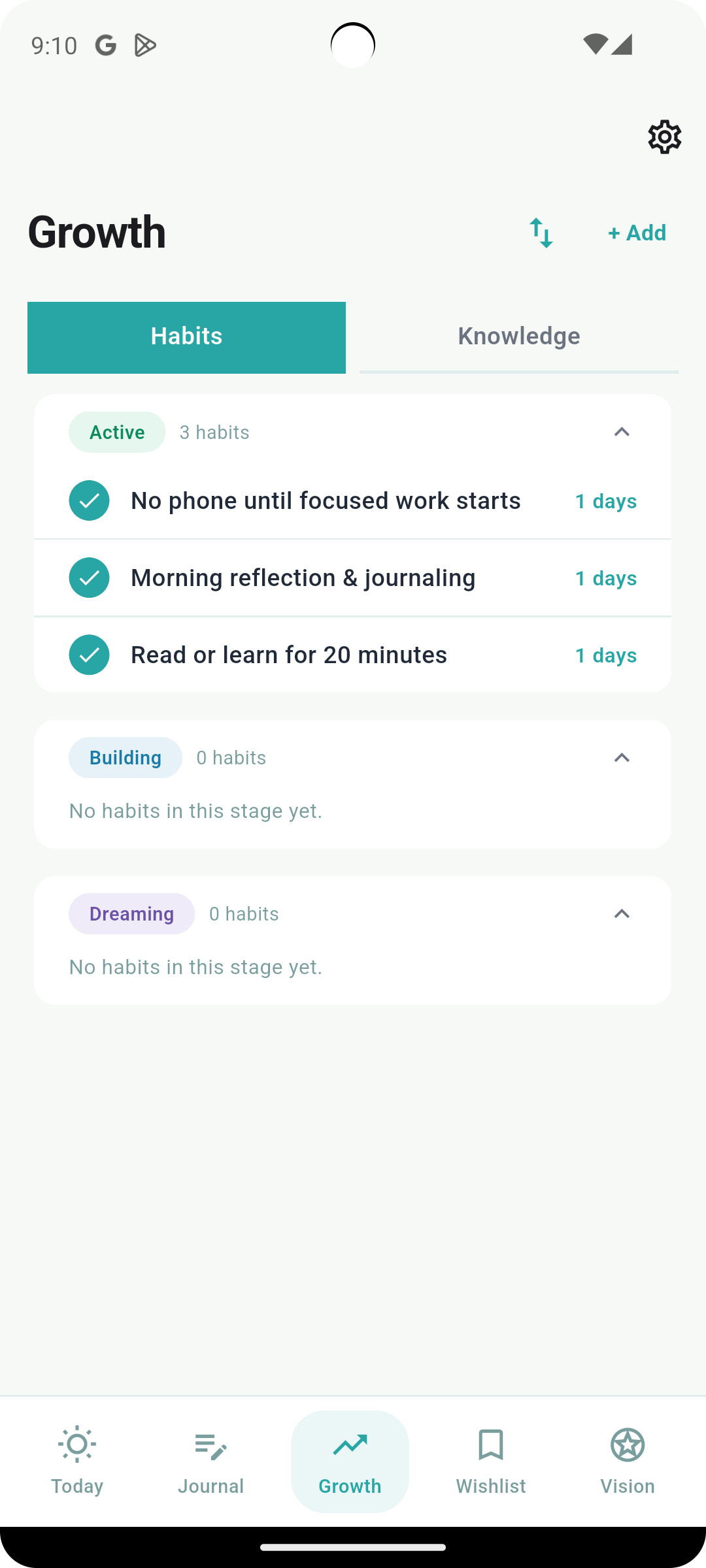
Growth holds your habits and your personal knowledge base. Habits don't have to begin on day one. Dreaming habits are ideas you're not ready to commit to yet. Building habits are the ones you're actively forming. Active habits are part of your routine. Move between stages whenever you're ready — there's no penalty for taking your time.
Knowledge is a private space for notes to your future self.
Wishlist — Where your wants stay visible
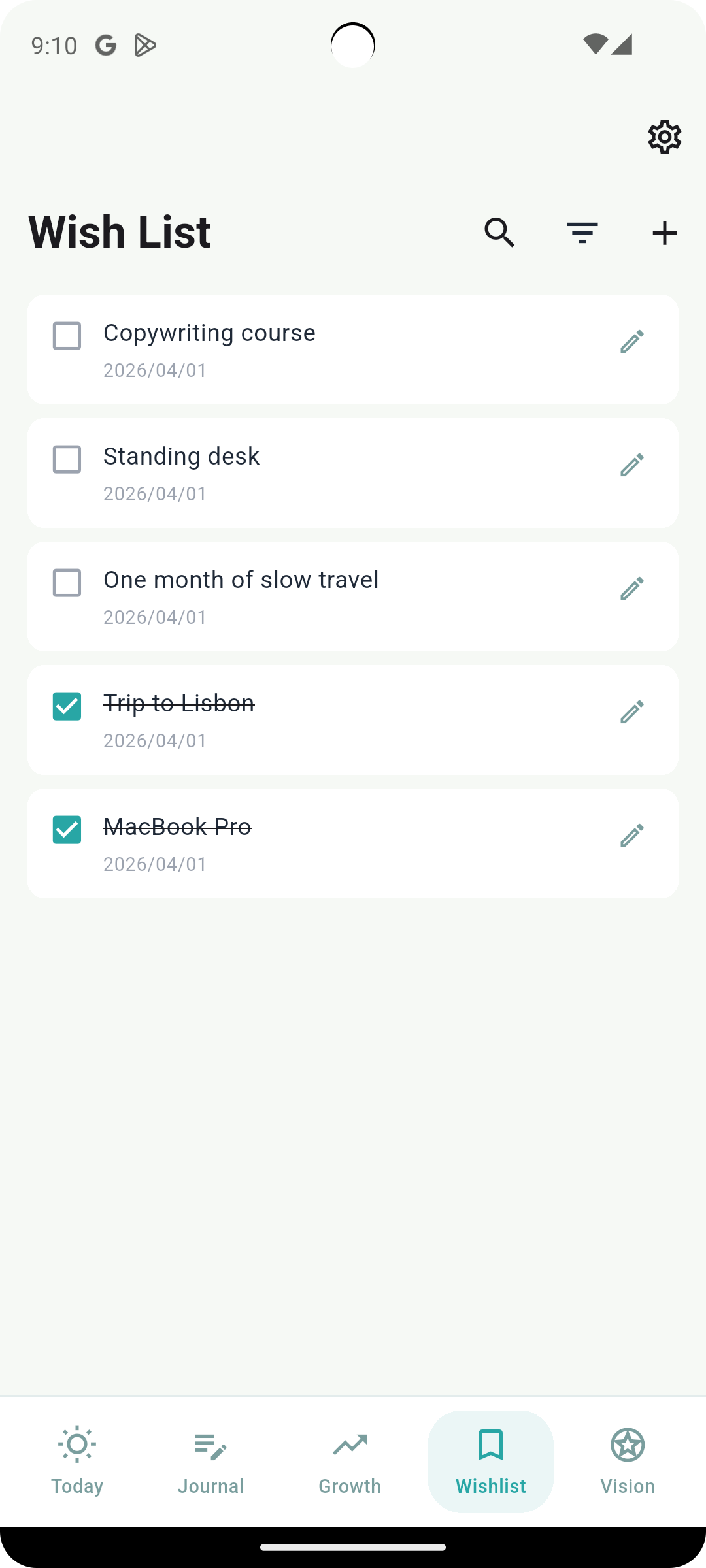
Add anything you want the moment you think of it. No categorizing, no planning required — just a place to keep your desires visible until you decide what matters next.
Export
GlancePath lets you export your entries — Emotion Dumps, Journaling, Weekly Logs, Monthly and Yearly Reviews, and Tasks — as Markdown files. It's a simple way to take your reflections wherever you want to take them next — an AI tool, for example.